
Module 2: Masterclass in Generative AI Imagery for Google Slides
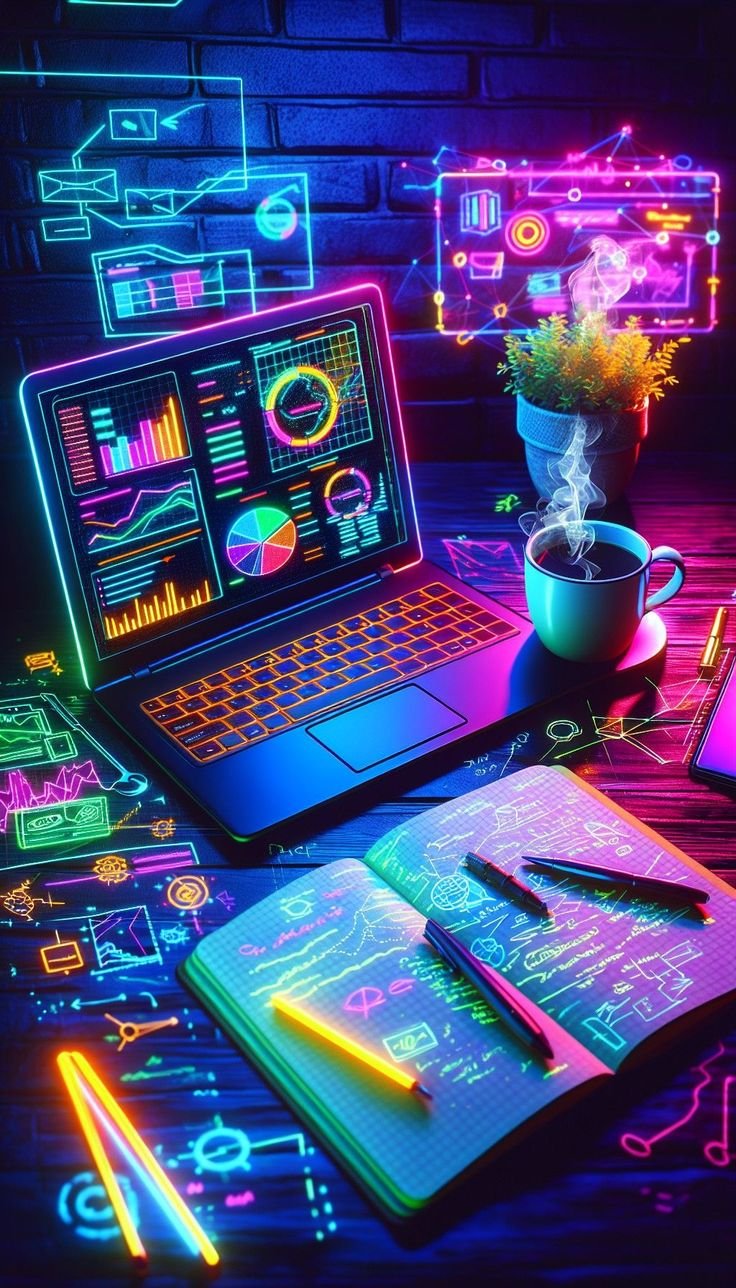
This module moves beyond basic introduction and focuses on the high-level skillset of Generative AI Imagery within Google Slides. While standard stock photos provide a "close enough" match, Gemini’s image generation enables you to create bespoke, high-fidelity visuals that perfectly align with your narrative, brand, and presentation mood.
1. The Core Philosophy of Custom Visuals
In presentation design, an image isn't just decoration; it is an active component of the storyteller's toolkit. Generative AI allows you to move beyond the limitations of stock photography libraries.
Contextual Perfection: Generate an image that depicts a highly specific scenario, such as "A quantum computing chip glowing with turquoise light in a futuristic clean room."
Style Consistency: You are no longer forced to mix cartoon illustrations with realistic photos. You can demand a single artistic style (e.g., "Minimalist 3D render") across your entire deck.
No Copyright or Licensing Issues: Since the image is generated on demand for you, you avoid the complexities of image licensing, attribution, and royalty payments common with stock libraries.
2. How to Access the Image Generation Tool
The image generation workspace is integrated directly into the Google Slides interface, allowing you to create without disrupting your workflow.
Access the Gemini Menu: Look for the Gemini (sparkle) icon on your toolbar.
Select "Create an image": This will open the generation side panel.
Enter Your Prompt: You will see a text box to describe your desired visual.
3. Engineering the Perfect Image Prompt
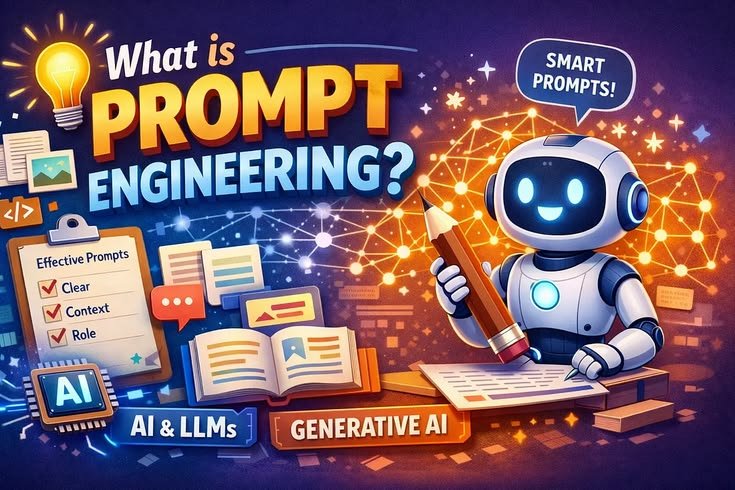
The quality of your generated image is directly tied to the clarity and detail of your description. Use this structured framework to create professional prompts:
Subject: The main entity. (e.g., "A modern workspace")
Style: The artistic approach. (e.g., "Photorealistic," "Sketch," "Vector illustration," "3D Render")
Colour Palette: The dominant colours. (e.g., "Vibrant orange and deep teal accents")
Lighting/Atmosphere: The mood and lighting. (e.g., "Warm afternoon light, soft focus background")
Negative Constraints (Optional): What to exclude. (e.g., "No clutter, no standard stock photo look")
Prompting Examples
For a Corporate Presentation: "A sleek, professional home office, warm natural light, wood textures, minimalist decor, photorealistic style."
For a Creative Pitch: "An abstract digital art composition, vibrant splashes of purple and orange, clean lines, professional and inspiring atmosphere."
For a Technology Keynote: "A futuristic quantum computing chip glowing with soft, electric blue light, clean room environment, high-tech aesthetic."
4. Advanced Refinement Techniques
If the first set of results isn’t quite right, you can iterate and refine the prompt to get the perfect shot.
Style Transfer: Keep the subject the same, but change the style from "Vector illustration" to "3D Render."
Adding Detail: "Same modern workspace, but add a coffee mug and a glowing tablet on the desk."
Adjusting Tone: Change the lighting from "Warm afternoon" to "Cool, blue morning light."
5. Ethical Guidelines and Professional Best Practices
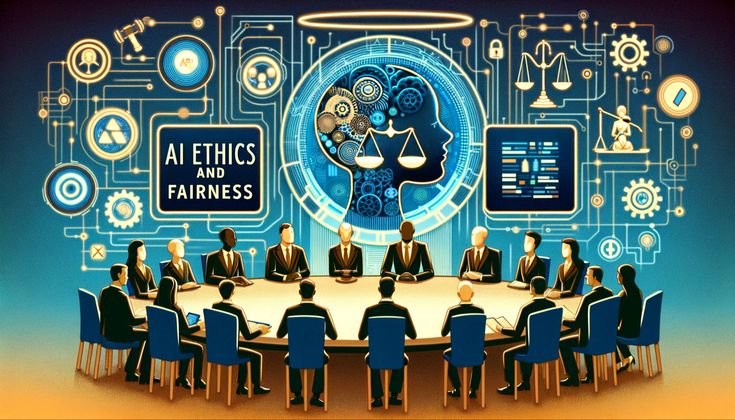
Transparency: While not required, it is considered a best practice to disclose when a significant visual is AI-generated, especially in high-stakes presentations.
Avoid Clutter: Simple, clean images generally perform better on slides than overly complex ones, as they don't compete with your text.
Readability Check: Once the image is generated, place a text box over it to ensure your content remains readable. If the image is too busy, you may need to apply a transparent overlay or a "blur" effect to the background.
Image Generation Checklist
Style: Have I specified a single, consistent artistic Style for the deck?
Colors: Does the generated Color Palette match my presentation branding?
Subject: Is the primary Subject of the image clear and unambiguous?
Clarity: Is there enough "Negative Space" in the image to make text readable?
Final Check: Have I reviewed the image for any visible AI artefacts (e.g., strange hand anatomy)?
.svg)



