
MODULE 1-INTRODUCTION
Gemini for Google Workspace represents a paradigm shift in digital productivity. It is not merely a "chatbot" added to your apps; it is an integrated, intelligent layer that understands the context of your work across your entire Google environment. By leveraging the Gemini 3 Flash and Pro models, it acts as a collaborator that can read, write, organize, and analyze your documents, emails, and data in real-time.
1. The Core Philosophy: From "Tool" to "Partner"
Traditional software requires you to do the "heavy lifting" of formatting, drafting, and summarizing. Gemini shifts this dynamic:
The "Blank Page" Problem: Gemini eliminates the friction of starting projects by providing structured drafts based on your inputs.
Contextual Awareness: Unlike standalone AI, Gemini in Workspace has access to your files (with your permission), allowing it to synthesize information across your Drive, Gmail, and Docs to provide personalized insights.
Seamless Integration: It lives directly inside the tools you already use, meaning you never have to switch tabs or copy-paste text between an AI and your work.
2. Key Functional Pillars
Gemini operates through three main functional pillars across the Workspace suite:
Creation & Drafting: Whether it is writing a project proposal in Docs, drafting a professional response in Gmail, or building a slide deck in Slides, Gemini handles the initial generation of content.
Analysis & Synthesis: Use Gemini to make sense of complex data in Sheets or to summarize long-form reports and email threads in Docs and Gmail.
Communication & Collaboration: Enhance your meetings in Google Meet with AI-driven visual/audio improvements and automated note-taking.
3. High-Impact Use Cases
To understand the power of Gemini, consider these everyday scenarios:
4. Why This Matters for Your Workflow

The objective of Gemini in Workspace is Cognitive Offloading. By automating routine tasks—such as formatting a table, summarising a long email thread, or creating a slide outline—you reclaim mental bandwidth. This allows you to focus on high-level decision-making, strategic planning, and creative problem-solving.
Efficiency: Reduce the time spent on document setup and routine communication.
Quality: Leverage AI to polish your writing, visualize data, and organize information with professional precision.
Focus: Spend more time on the "work that matters" rather than the "work of working."
5. Responsible Innovation
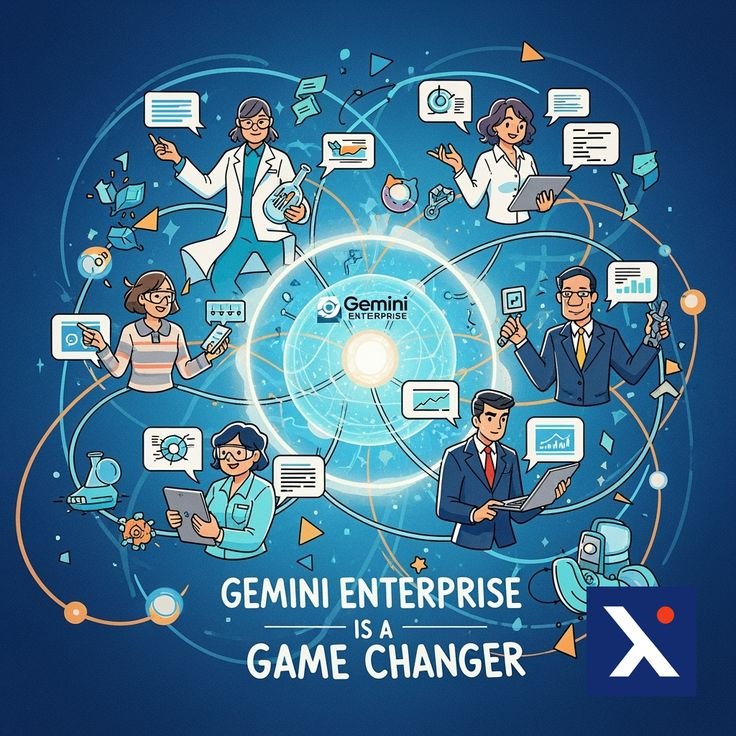
Security and privacy are at the heart of Gemini for Google Workspace:
Enterprise-Grade Protection: Your data stays your data. Prompts, documents, and emails used within your organization are not used to train global AI models.
Human-in-the-Loop: Gemini is designed to assist you, not replace you. The human expert (you) maintains final authority over every document and decision.
.svg)



