
Module 3: Masterclass in Prompt Engineering for Google Sheets

This module focuses on the art and science of Prompt Engineering specifically for spreadsheets. Unlike a text document, a spreadsheet requires prompts that understand spatial relationships, data types, and logical flow. You will learn how to move from basic requests to "Master Templates" that can generate complex, professional-grade workbooks in seconds.
1. The Anatomy of a Perfect Sheets Prompt
To get the best results from the "Help me organize" and "Side Panel" features, your prompts should follow the S.C.O.P.E. framework:
S - Subject: What is the tracker for? (e.g., "Event Planning")
C - Columns: Which specific headers do you need? (e.g., "Date, Vendor, Cost, Paid?")
O - Operations: Do you need checkboxes, dropdowns, or formulas?
P - Persona: Who is this for? (e.g., "For a project manager" or "For a student")
E - Extra Formatting: Any specific visual needs? (e.g., "Alternating row colors")
2. Creating Template Prompts: The "Starter" Library
A "Template Prompt" is a reusable string of text that consistently produces high-quality results. Here are three core templates you can refine:
A. The Project Lifecycle Template
"Create a [Project Name] tracker for a [Timeframe] period. Include columns for Task ID, Task Description, Assigned To (Dropdown), Start Date, End Date, and % Complete (Number). Add a 'Notes' column at the end."
B. The Financial Audit Template
"Build a [Monthly/Annual] expense sheet. Include columns for Date, Description, Category (Dropdown: Food, Rent, Utils, Misc), Amount (Currency), and Tax Deductible (Checkbox). Ensure the 'Amount' column sums at the bottom."
C. The Educational Progress Template
"Generate a student gradebook for [Number] students. Include columns for Student Name, Assignment 1, Quiz 1, Midterm, and Final Exam. Add a calculated column for 'Weighted Average' and a 'Final Letter Grade' column based on standard scales."
3. Refining Prompts for Technical Precision

If Gemini’s first attempt is too simple, use "Refining Prompts" to add layers of intelligence.
Adding Data Validation:
Refinement: "In the 'Status' column, add a dropdown menu with the options: Not Started, In Progress, On Hold, and Completed."
Applying Conditional Logic:
Refinement: "Format the 'Due Date' column so that any date in the past turns the cell background bright red."
Requesting Complex Formulas:
Refinement: "Add a summary row at the top that calculates the total number of 'Completed' tasks versus 'Total' tasks as a percentage."
4. Advanced: The "Multi-Sheet" Architecture Prompt
For complex courses or business systems, you can prompt Gemini to help you plan how data flows between different tabs.
The Relational Prompt:
Action: "I have a 'Sales' tab and an 'Inventory' tab. Write a prompt that helps me create a 'Master Dashboard' tab that pulls the 'Units Sold' from Sales and subtracts it from the 'Stock' in Inventory."
The "Clean-Up" Prompt:
Action: "Look at this raw data import. Write a prompt to remove all duplicate rows based on the 'Email' column and capitalize all 'Last Name' entries."
5. Managing Your Prompt Library in Drive
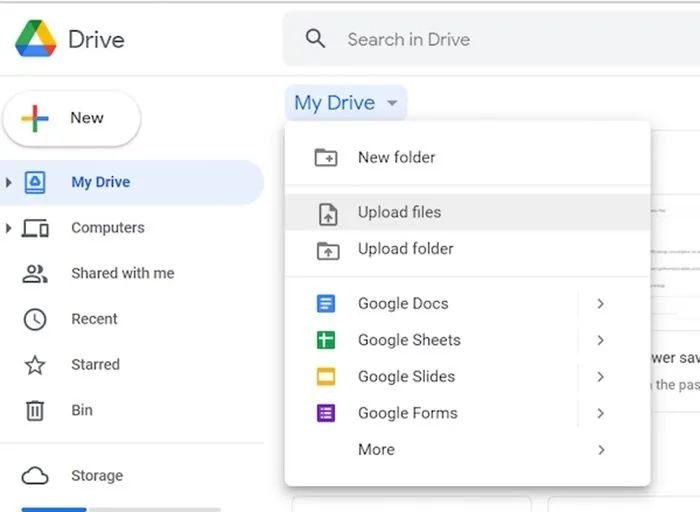
As you refine these prompts, don't lose them!
Create a "Prompt Repository" Doc: Keep a Google Doc with your most successful "Golden Prompts" for Sheets.
Version Control: Label your prompts (e.g., "Budget Tracker v1.0" vs. "Budget Tracker v2.0 with Tax Logic").
Share the Wealth: In a collaborative environment, share these template prompts with your team to ensure everyone is generating consistent, high-quality sheets.
Prompt Refinement Checklist
[ ] Did I define the Specific Columns I need?
[ ] Did I mention Data Types (Checkboxes, Dropdowns, Currency)?
[ ] Did I specify the Target Audience or Persona?
[ ] Did I ask for Summary Formulas or Conditional Formatting?
.svg)



