
Module 4: Facilitating Inbox Mastery Activities with Gemini in Gmail
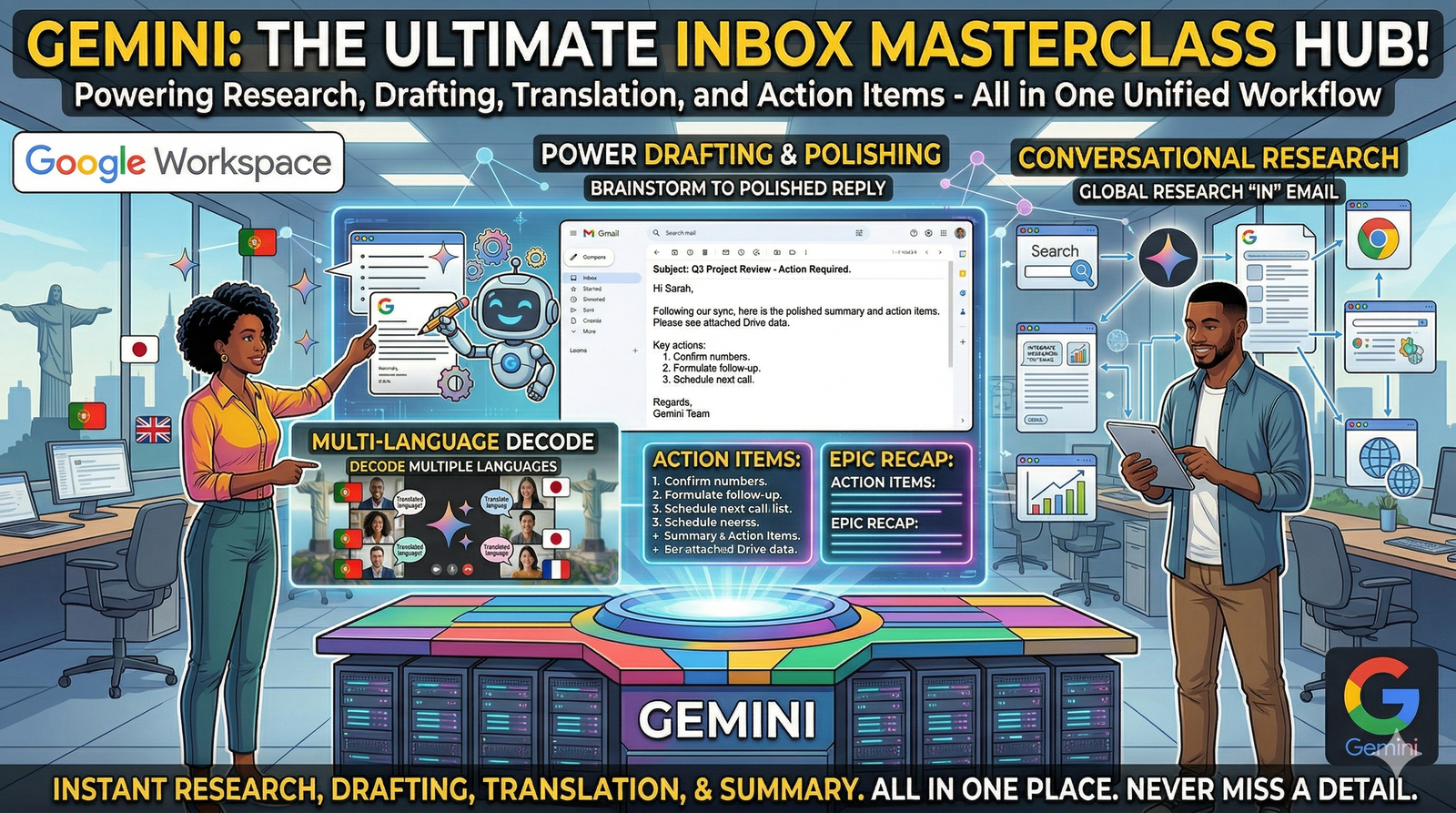
This module shifts Gmail from a passive communication tool into an active organisational workspace. You will learn how to design activities that use Gemini to de-clutter, synthesize, and strategize within an inbox, turning "email management" into a high-level executive function.
1. Activity: The "Executive Summary" Sprint
This activity is designed to teach participants how to extract critical data from "noise-heavy" email threads without reading every individual message.
The Setup: Provide participants with a link to a simulated (or archived) email thread containing at least 15-20 replies involving multiple stakeholders, conflicting opinions, and various attachments.
The Task: Using the Gemini side panel, participants must generate a three-part summary:
The Core Conflict: What is the primary bottleneck?
Stakeholder Positions: Briefly list what "Person A" and "Person B" want.
The Path Forward: What was the final agreement reached?
Learning Outcome: Develops the ability to use AI for rapid situational awareness and high-level synthesis.
2. Activity: The "Tone Shift" Challenge
This exercise focuses on the nuances of professional "Voice" and how to use AI to bridge the gap between internal "brain dumps" and external professional correspondence.
The Task: Participants are given a "Hot-Headed" or "Highly Informal" draft (e.g., "I'm annoyed that the report is late again. We can't keep doing this. Fix it by Friday or we're in trouble.")
The Action: 1. Paste the text into the Gmail compose window. 2. Use "Help me write" to "Formalize" the draft. 3. Use the "Elaborate" tool to add a collaborative suggestion for a solution.
Learning Outcome: Demonstrates how AI can act as an emotional and professional buffer, ensuring communication remains constructive regardless of the initial draft's quality.
3. Activity: The "In-Box Investigator" (Data Retrieval)

This activity tests the participant's ability to use natural language queries to find "needles in haystacks" across years of correspondence.
The Setup: Use a search query to find a specific, obscure detail from a past project (e.g., a specific tracking number, a lunch preference, or a specific price quote).
The Task: Instead of using keyword filters, participants must ask Gemini in the side panel:
"What was the specific reason the vendor gave for the price increase in March 2024?"
"Summarize all feedback received from the legal department regarding the 'Project Phoenix' contract."
Learning Outcome: Teaches the efficiency of semantic search over traditional keyword-based searching.
4. Activity: Collaborative Response Strategy
In this group activity, participants use Gemini to prepare for a difficult negotiation or a high-stakes client inquiry.
The Scenario: A client has sent an email requesting a 20% discount or they will move to a competitor.
The Action:
Open the email and activate Gemini.
Ask Gemini: "List three potential 'win-win' counter-offers based on our typical service tiers."
Ask Gemini: "Draft a reply that is firm on price but emphasizes our unique value proposition and 'White Glove' service."
Learning Outcome: Participants learn to use AI as a strategic consultant to explore multiple options before committing to a final response.
5. Activity: The "Clean Slate" Triage
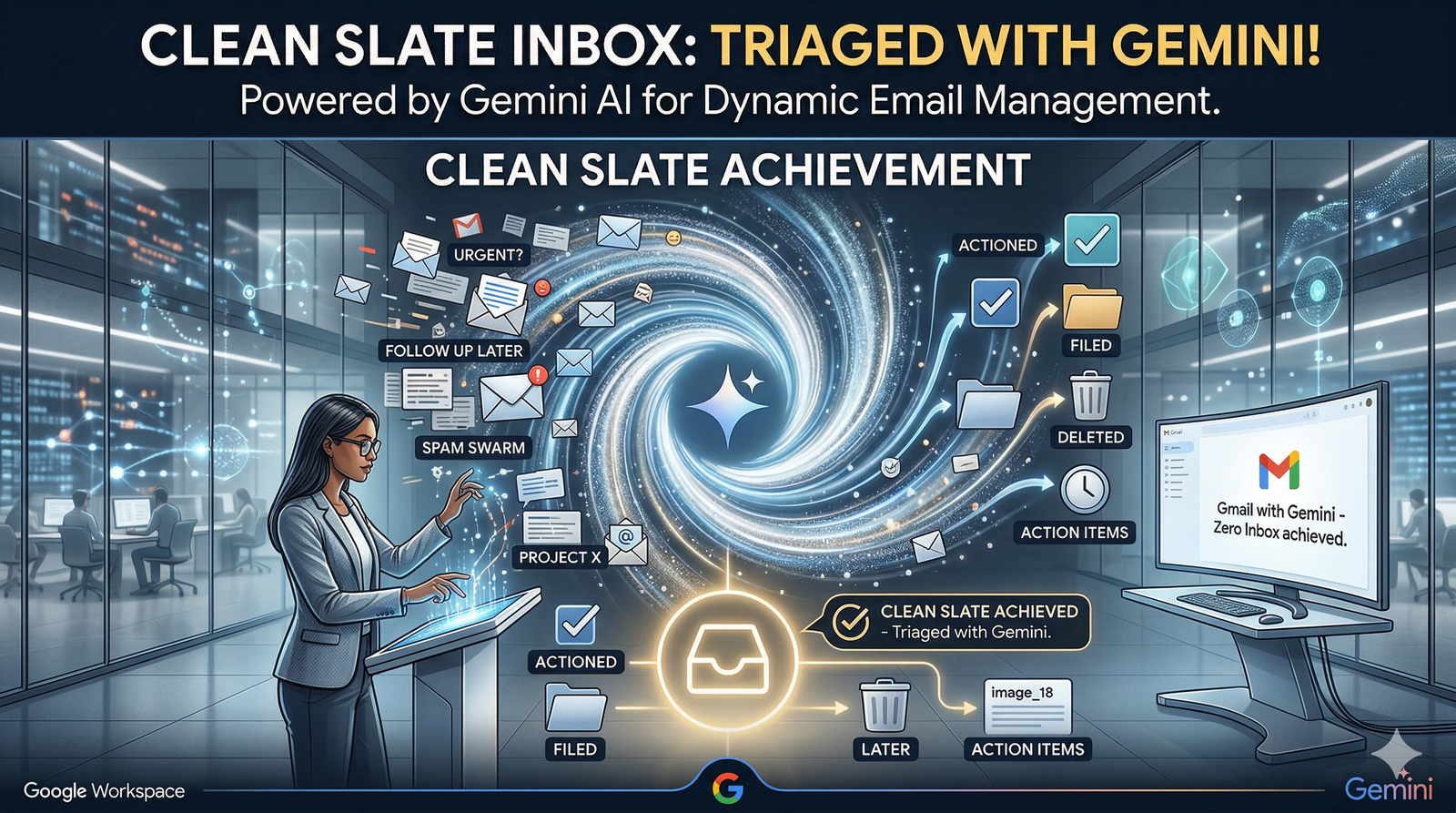
This activity focuses on managing high-volume inboxes through AI-assisted prioritisation.
The Task: Participants look at their current "Unread" list and ask Gemini:
"Identify which of these emails require a decision from me versus just an acknowledgement."
"Group these emails into 'Project Alpha,' 'Administrative,' and 'Networking' categories."
The Follow-up: Use Gemini to draft "Holding Pattern" replies for lower-priority items to buy time for deep work.
Facilitator’s Activity Checklist
[ ] Have participants enabled the Gemini icon in their Gmail interface?
[ ] Are the "Seed Emails" (for the summary activity) accessible to all learners?
[ ] Did I encourage participants to critique the AI drafts rather than just accepting them?
[ ] Have we discussed the Privacy Guidelines for using AI with sensitive email content?
.svg)



