
Module 1: Introduction to Gemini in Gmail
Gemini for Google Workspace transforms Gmail from a simple communication tool into an intelligent correspondence engine. It allows you to move beyond manual drafting, summarizing, and searching, enabling you to manage your inbox with greater efficiency and focus.

1. "Help Me Write": Drafting with Context
The "Help me write" feature is the primary tool for rapid communication. It doesn't just suggest words; it synthesizes the context of your previous emails or the specific intent of your current request to draft full messages.
Context-Aware Drafting: If you are replying to a complex project thread, Gemini can suggest a draft that incorporates the key points and tone of the previous exchange.
Tone Adjustment: You can quickly change the tone of your draft without rewriting it.
Options include: "Formal," "Short," "Elaborate," or "Polish."
The "Formalize" Feature: If you have typed out a quick, casual note, Gemini can instantly transform it into a professional email suitable for a client or manager.
2. Intelligent Summarisation
In a busy inbox, the time spent reading and synthesizing long email threads is often the biggest productivity drain.
Thread Summaries: Open a long, complex thread, and the Gemini side panel will provide a concise "Executive Summary" of the conversation, highlighting the key facts and agreements.
Action Item Identification: Gemini automatically scans threads to extract action items, so you don't have to hunt for tasks buried in paragraphs of text.
3. Advanced Search and Information Retrieval
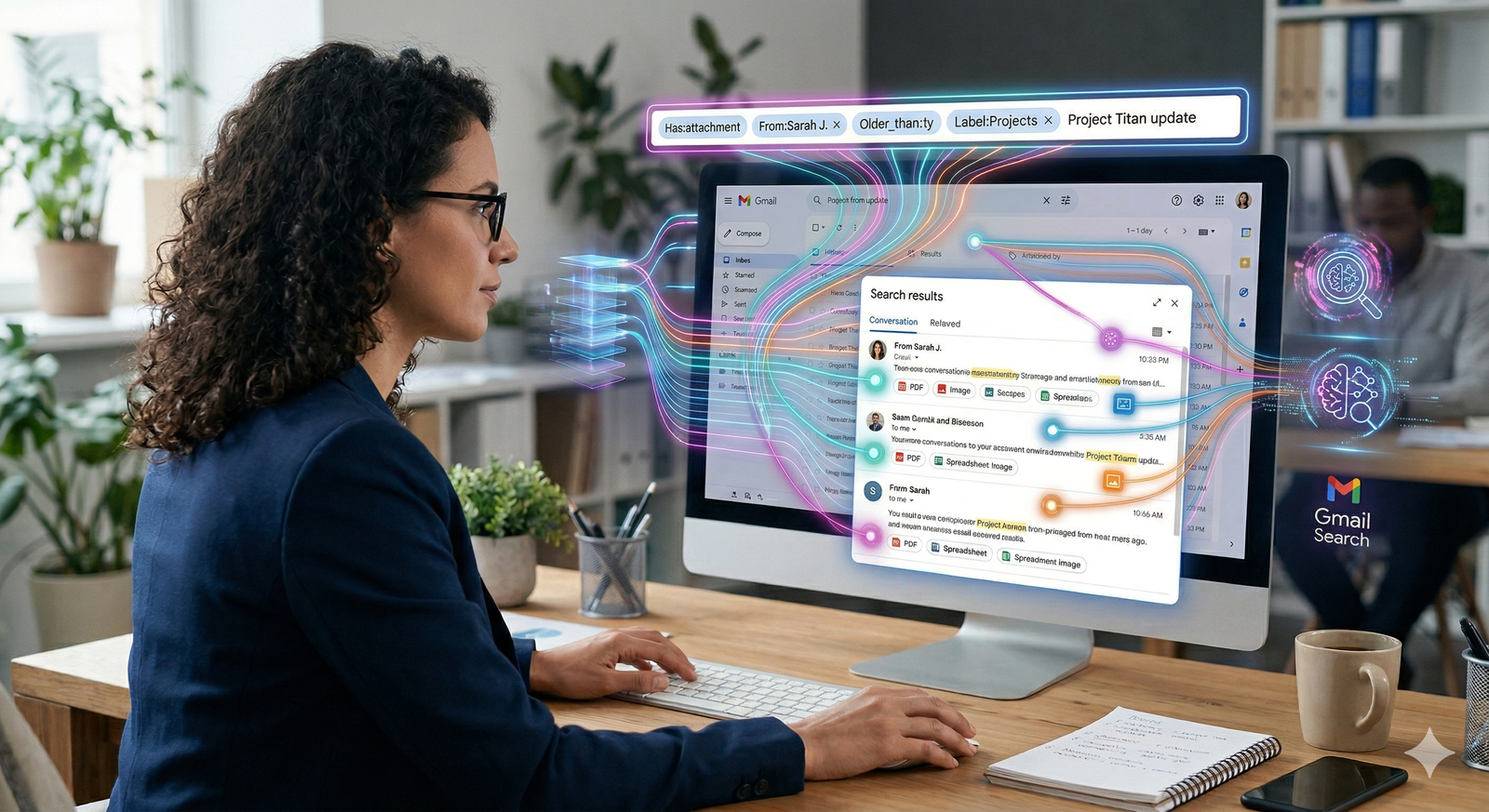
Gemini in Gmail understands the content of your emails, not just the keywords. This changes how you locate specific information.
Natural Language Queries: Instead of using complex search operators (like from:name has:attachment), simply ask:
"What was the feedback Sarah sent regarding the Q3 budget?"
"Find the invoice for the software subscription I paid for in January."
Synthesis Across Emails: You can ask Gemini to synthesize information across multiple emails.
Example: "Based on the last three emails from the design team, what is the current status of the brand asset creation?"
4. Smart Reply and Inbox Triage
Gemini enhances the efficiency of your daily inbox management by helping you prioritize and respond faster.
Suggested Contextual Replies: Gemini analyzes incoming messages and suggests replies that align with your typical writing style and the specific content of the email.
Inbox Organization: You can ask Gemini to "List all the emails in my inbox that require an urgent response from me today," helping you stay on top of high-priority items.
5. Ethical AI and Security
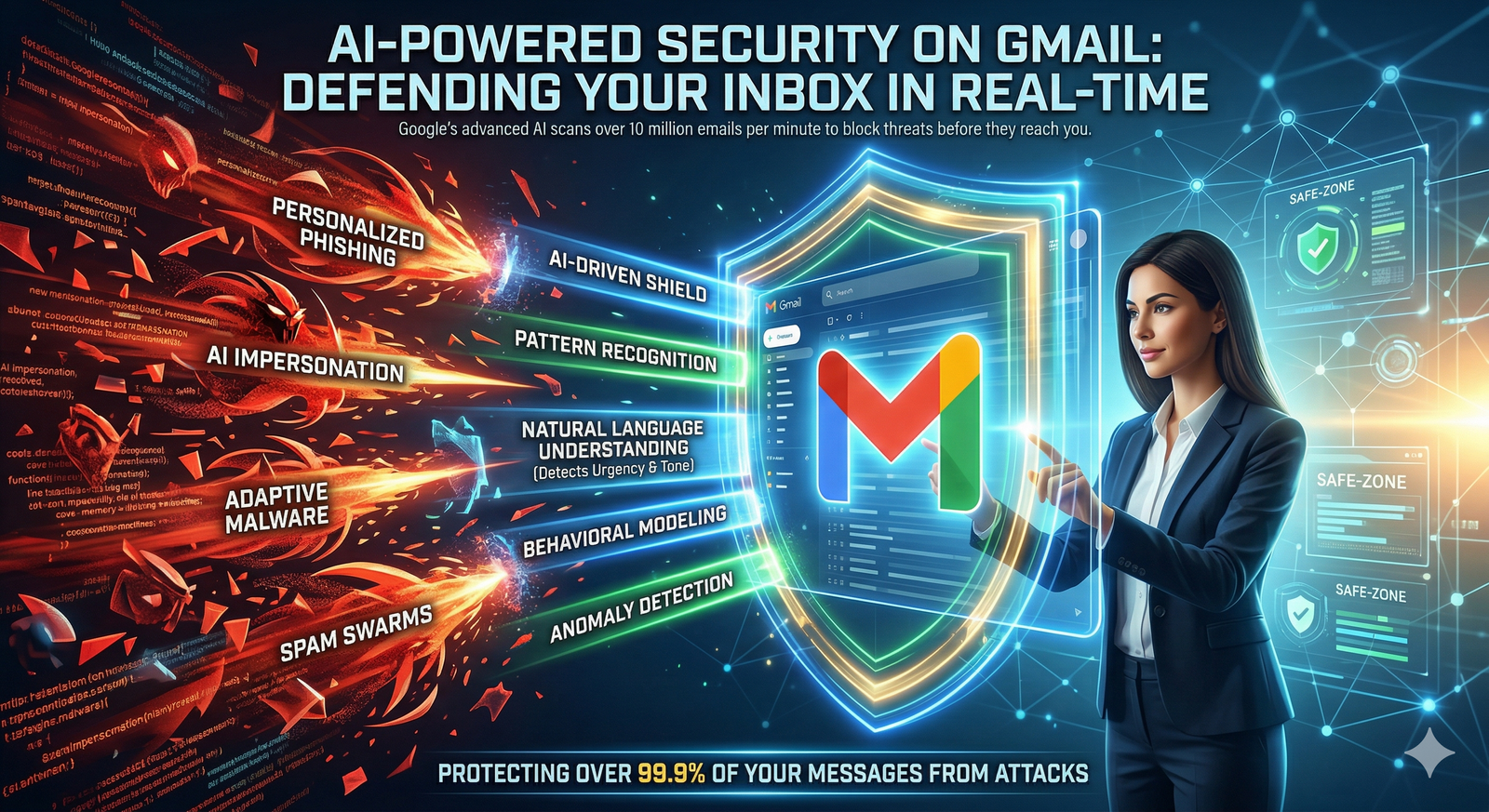
Just as with other Workspace tools, Gmail's Gemini integration is built for the enterprise.
Privacy First: Your email content is processed locally or within the secure Google Workspace environment. It is not used to train global AI models in enterprise settings.
Transparency: Any text drafted by Gemini is clearly identified, and you maintain final control to edit, reject, or rewrite anything before it is sent.
Contextual Awareness: Gemini's effectiveness is tied to your usage; it learns to provide more accurate summaries and drafts as it understands your communication style over time.
Gmail Productivity Checklist
[ ] Am I using the "Help me write" tool to draft routine emails quickly?
[ ] When a thread is long, do I check the Gemini side panel for the summary before reading every reply?
[ ] Am I using natural language queries to search for information instead of standard search operators?
[ ] Have I reviewed the action items suggested by Gemini to ensure no tasks are missed?
.svg)



