
Module 3: Advanced Refinement—Polishing Your Correspondence with Gemini
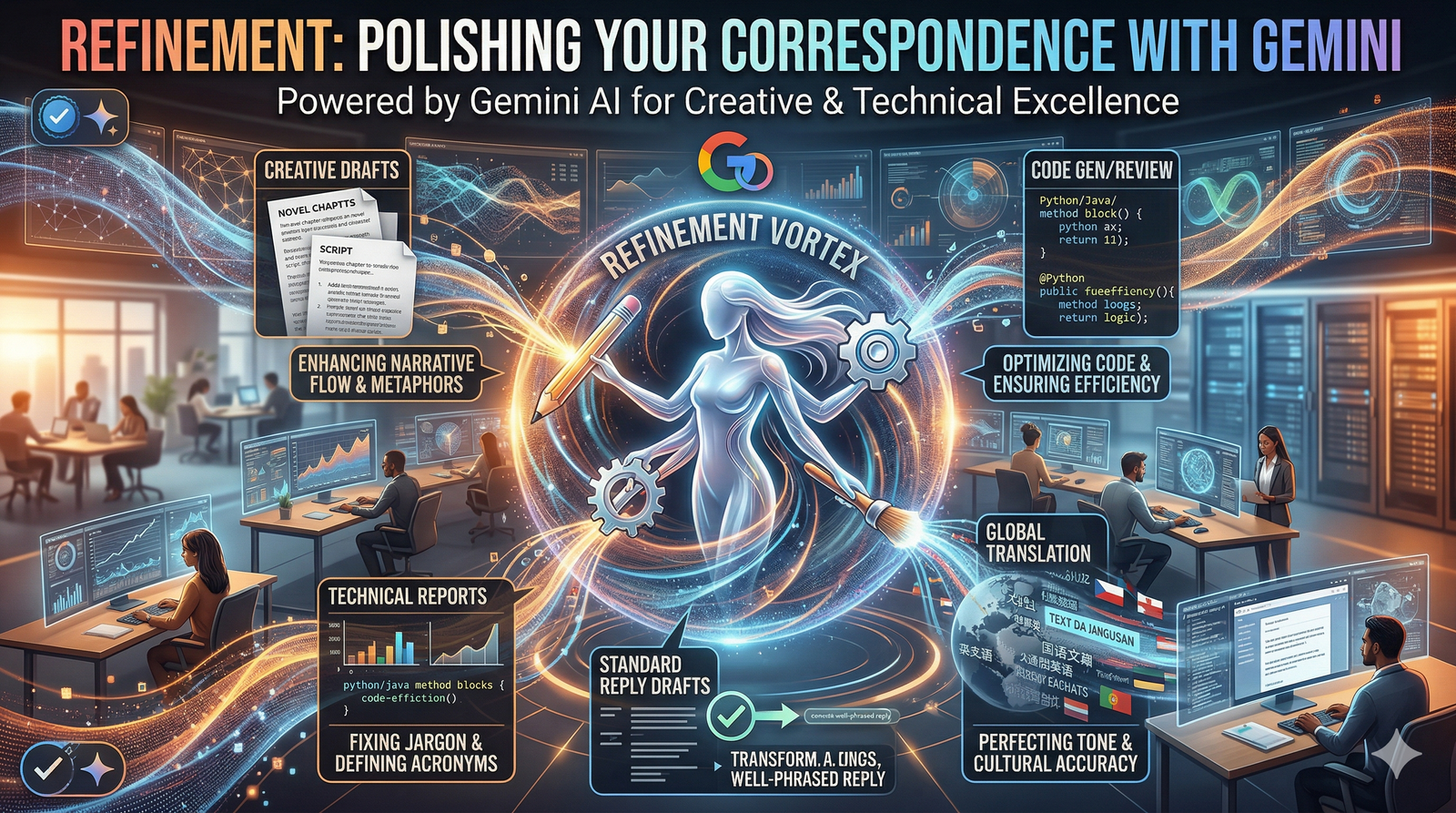
This module moves beyond the initial draft and focuses on the iterative process of communication. Writing an email is rarely a one-step task; it requires refining the tone, adjusting the length, and ensuring the technical details are flawless. Gemini acts as your editor-in-chief, providing real-time revisions to transform a rough "brain dump" into a sophisticated professional message.
1. The "Refine" Toolkit in Gmail
Once Gemini generates an initial draft, or after you have typed your own rough notes, the Refine menu becomes your primary interface for optimization.
Formalize: This is essential for upward communication. It replaces casual phrasing with industry-standard terminology and structured syntax.
Transformation: "Hey, can we push the meeting?" becomes "I would like to request a reschedule of our upcoming meeting to a later date."
Elaborate: Use this when a draft feels too "thin" or lacks the necessary context to persuade the reader. Gemini adds supporting details and professional transitions.
Shorten: Perfect for "Executive Summaries" or mobile-first readers. Gemini removes redundancy while preserving the core "ask" of the email.
Polish: This is the final quality check. It ignores structural changes and focuses on eliminating grammatical friction, improving flow, and ensuring the vocabulary is precise.
2. Prompt Engineering for "The Second Pass"
If the initial draft isn't hitting the mark, you don't need to start over. You can "steer" Gemini by refining your instructions in the prompt box.
The "Contextual Pivot" Strategy:
Original Prompt: "Draft a thank you email to the guest speaker."
Refined Prompt: "Make it warmer. Mention their specific point about 'Digital Ethics' and invite them to a follow-up lunch with the dean in two weeks."
The "Constraint-Based" Refinement:
Original Prompt: "Explain the project delay."
Refined Prompt: "Explain the delay in under 100 words. Do not mention the sub-contractor by name; focus instead on the 'logistics timeline' and provide a firm new delivery date of Friday."
3. Transforming Rough Notes into Polished Email

One of the most powerful "hidden" features of Gemini in Gmail is its ability to take disorganised thoughts and impose professional structure.
The "Dump and Draft" Method:
Type your raw thoughts into the compose window (e.g., "Tell Mark thanks for the deck. The charts are great but slide 4 needs a fix on the ROI. Also, ask if he's free Tuesday for coffee.")
Highlight the text and click "Help me write" > "Formalize".
The Result: Gemini will organize this into a professional greeting, bulleted feedback points, and a clear call-to-action for the coffee meeting.
4. Quality Control: The "Human-in-the-Loop" Review
While Gemini is highly capable, refinement should always conclude with a human audit. Use the P.A.V.E. check before sending:
P - Personalisation: Did the AI miss a specific detail or "inside joke" that would make the connection stronger?
A - Accuracy: Check the dates, times, and numbers. AI can occasionally "hallucinate" a Tuesday as the 14th when it is actually the 15th.
V - Voice: Does this sound like you? If the "Formalize" tool made it sound too robotic, use the "Shorten" or "Polish" tool to bring back some brevity.
E - End Goal: Is the "Call to Action" (CTA) clear? Ensure the recipient knows exactly what they need to do next.
5. Managing Global Correspondence

Refinement often involves crossing language barriers. Gemini can refine a draft into multiple languages while maintaining the original professional tone.
Prompt: "Translate this finalised project update into Spanish, ensuring the tone remains 'Authoritative yet Collaborative' for our Madrid office."
Refinement Checklist
[ ] Have I used the "Formalize" tool for high-stakes recipients?
[ ] Did I "Shorten" the email if the core message was buried?
[ ] Have I manually verified all Dates and Data Points?
[ ] Does the Subject Line accurately reflect the refined content?
[ ] Did I add a Personal Closing to maintain the relationship?
.svg)



