
Module: Introduction to Image Generation with Gemini
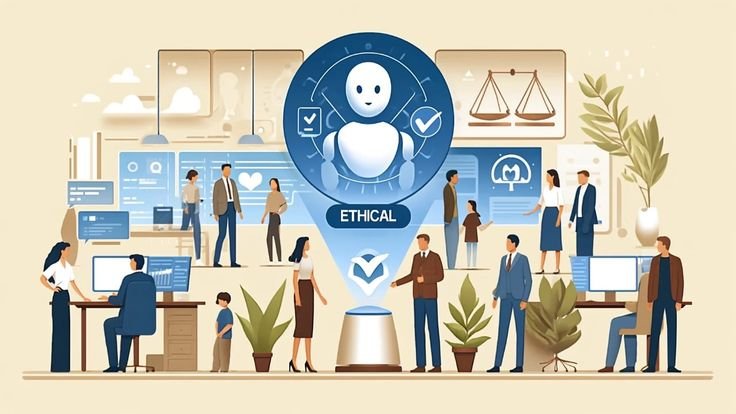
Generative AI has shifted the paradigm of visual content creation from manual artistry to prompt-based synthesis. In this module, you will learn the foundational concepts of how AI models like Gemini (powered by the Nano Banana 2 engine) interpret text to create high-fidelity, original imagery. This technology allows professionals to bridge the gap between a conceptual idea and a finished visual asset in seconds.
1. Understanding the Core Technology
At its heart, AI image generation is a process of translating human language into visual pixels. This is achieved through a combination of large-scale data training and sophisticated neural networks.
The Role of "Diffusion"
Most modern image generators use a process called Diffusion. The model starts with a field of static (random noise) and, guided by your text prompt, gradually "denoises" the image into a clear, structured picture. It essentially "finds" the image within the noise based on the patterns it learned during training.
Text-to-Image Mapping
The AI doesn't "search" the internet for a photo; it creates a new one from scratch. It uses a "latent space"—a complex mathematical map—to understand the relationship between words like "sunset," "minimalist," and "watercolor" and their corresponding visual characteristics (colors, shapes, and textures).
2. The Anatomy of a Visual Prompt
The quality of an AI-generated image is directly proportional to the clarity of the Prompt. A successful prompt acts as a set of instructions for the AI’s "virtual brush."
The Subject: The primary focus of the image (e.g., "A futuristic electric car").
The Medium/Style: How the image should look artistically (e.g., "3D render," "Oil painting," "Vector illustration").
Lighting and Atmosphere: The mood of the scene (e.g., "Golden hour," "Cinematic lighting," "Moody shadows").
Composition: The camera angle or layout (e.g., "Macro close-up," "Bird’s eye view," "Symmetrical").
3. Key Styles and Artistic Controls
.jpeg)
Gemini provides users with specific "Style Controls" that allow for professional-grade consistency without needing to be an art historian.
Photorealism vs. Illustration
Users can choose between Photorealistic styles, which mimic high-end camera equipment and real-world physics, and Illustrative styles, which include everything from flat 2D icons to complex 3D digital art.
Photography: Uses terms like "bokeh," "f-stop," and "wide-angle."
Illustration: Uses terms like "isometric," "line art," and "flat design."
4. Ethics and Responsible AI
As with any powerful technology, image generation comes with a set of responsibilities and safety protocols.
Safety Filters: Gemini includes built-in guardrails to prevent the generation of harmful, violent, or sexually explicit content.
Watermarking and Identity: To maintain transparency, Google utilizes SynthID, a tool that embeds an imperceptible digital watermark into AI-generated images. This allows platforms to identify the image as AI-generated even if it has been cropped or edited.
Copyright Awareness: Modern AI models are designed to create original works, reducing the risk of direct plagiarism, though users should always be mindful of brand guidelines and intellectual property.
5. Practical Applications in the Workspace
.jpeg)
Image generation is no longer just for artists; it is a functional tool for every business professional.
Presentations: Creating bespoke background images for Google Slides that match a specific brand palette.
Marketing: Rapidly prototyping social media visuals or blog headers.
Prototyping: Visualising product concepts or architectural layouts before investing in 3D modeling or physical builds.
Image Generation Starter Checklist
[ ] Have I defined the Subject clearly?
[ ] Did I specify an Artistic Style (e.g., 3D Render, Sketch)?
[ ] Is the Aspect Ratio correct for my intended use (e.g., Wide for Slides)?
[ ] Does the Lighting match the mood of my content?
[ ] Have I checked the final output for any Visual Artifacts?
.svg)



