
Module 5: Interactive Learning Activities with Gemini in Google Docs
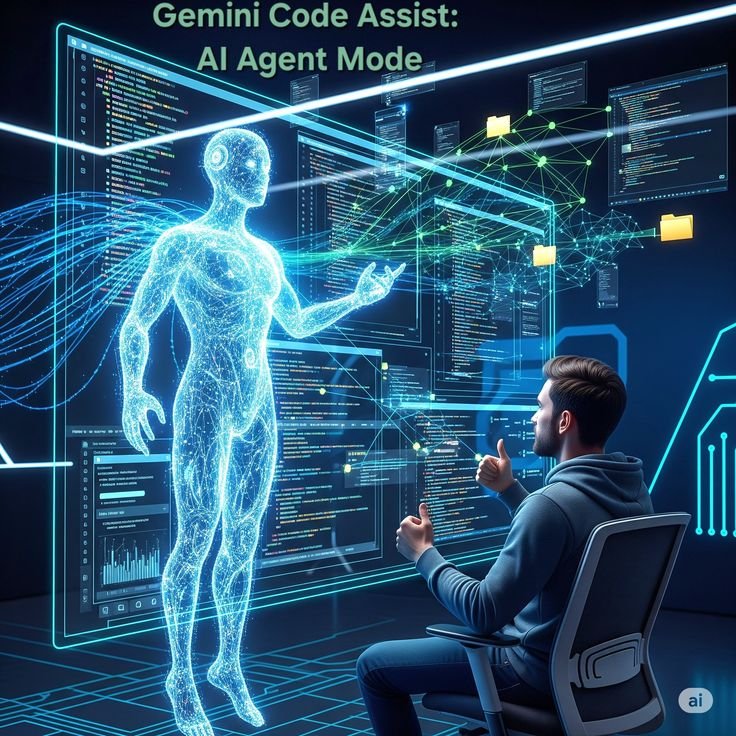
This module focuses on transforming Google Docs from a static writing surface into an active collaboration laboratory. By leveraging Gemini, facilitators can design activities that move beyond passive reading and into real-time synthesis, critical thinking, and iterative design. These activities are intended to build "AI fluency"—the ability to effectively direct and refine AI outputs to achieve professional-grade results.
1. Activity: The "Prompt Engineering" Relay
This exercise is designed to teach participants the importance of precision and constraints in AI communication. It demonstrates how a vague instruction leads to a generic result, while a refined prompt creates a high-value asset.
The Setup and Execution
Participants are divided into small groups and given a "Low-Signal" starting prompt, such as "Write a project update." One participant enters this into the "Help me write" box. The next participant must then "edit" that prompt to add a specific audience (e.g., "for a skeptical board of directors"). The third participant adds a structural constraint (e.g., "limit to 200 words and include a table of key metrics").
Learning Outcome
By the end of the relay, groups compare the initial generic draft with the final, highly structured document. This visually demonstrates that the quality of the "output" is a direct reflection of the "input," teaching learners to think like editors and architects rather than just typists.
2. Activity: The "Reverse Outline" Challenge
This activity focuses on Information Synthesis and structural logic. It tasks learners with using Gemini to deconstruct complex existing documents to understand their underlying strategy.
The Task Workflow
Provide participants with a long-form technical report or a dense case study (3–5 pages). Using the Gemini Side Panel, participants must ask the AI to "Identify the five core arguments made in this document and create a structured outline that maps the evidence provided for each." Once the outline is generated, the learners must manually verify if the AI missed any nuance or misinterpreted the data.
Analytical Refinement
To take it a step further, ask participants to prompt Gemini to "Rewrite this outline as a 5-slide presentation for a non-technical audience." This forces the learner to evaluate how information is condensed and prioritised when shifting between different document formats.
3. Activity: The "AI Persona" Peer Review

This activity uses Gemini as a simulated stakeholder to provide critical feedback on a participant's writing. It encourages students to look at their work through different professional lenses.
Setting the Persona
Participants write a one-page proposal for a new initiative. They then open the Gemini Side Panel and assign the AI a specific persona, such as a "Critical Financial Auditor" or a "Creative Brand Strategist." They prompt Gemini to "Review the highlighted text from your assigned persona's perspective and list three potential weaknesses or missing details."
Iterative Correction
The participants must then use the "Elaborate" or "Rewrite" tools to address the AI's critiques. This activity shifts the role of the AI from a "content creator" to a "critical consultant," helping learners develop the thick skin and analytical eye required for high-level professional editing.
4. Activity: The "Data-to-Doc" Synthesis Lab
This exercise teaches the integration of different Google Workspace tools. It focuses on the ability to pull quantitative data into a qualitative narrative.
Cross-Tool Integration
Participants are given a small dataset in a Google Sheet (e.g., quarterly sales or student test scores). They must use the "@" command in a Google Doc to reference that sheet. The activity task is: "Summarize the trends in @Sales_Data and draft a formal recommendation for next quarter's strategy based on these numbers."
Visual Structuring
After the narrative is drafted, participants must use Gemini to "Create a summary table of the recommendations that includes a column for 'Estimated Cost' and 'Priority Level'." This ensures that the learner can move fluidly between raw data, descriptive text, and structured visual summaries.
5. Facilitator’s Activity Checklist
.jpeg)
To ensure these activities are successful in a classroom or corporate training setting, follow this checklist:
[ ] Permissions: Ensure all participants have "Editor" access to the shared activity Docs.
[ ] Prompt Logging: Encourage participants to keep a "Prompt Log" at the bottom of the document to track which instructions worked and which failed.
[ ] Verification: Always include a "Fact-Check" phase where participants must manually verify one AI-generated claim against a reliable source.
[ ] Debrief: Spend 5 minutes at the end of each activity discussing the "AI Artifacts"—what did the AI do exceptionally well, and where did it sound "robotic" or inaccurate?
.svg)



